Share the tasks
Assign, remind, approve when done.

Share chores with family or team, track spending together, know who owes whom.
Chores, family spending, budgets and savings goals.
Task assignment, expense approval, project budgets and reports.
Chat, polls and notifications keep everyone on the same page.
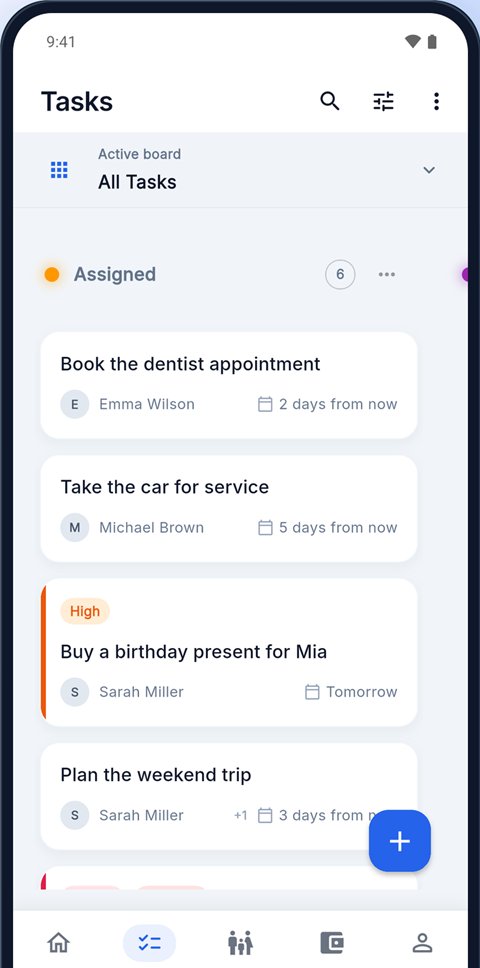
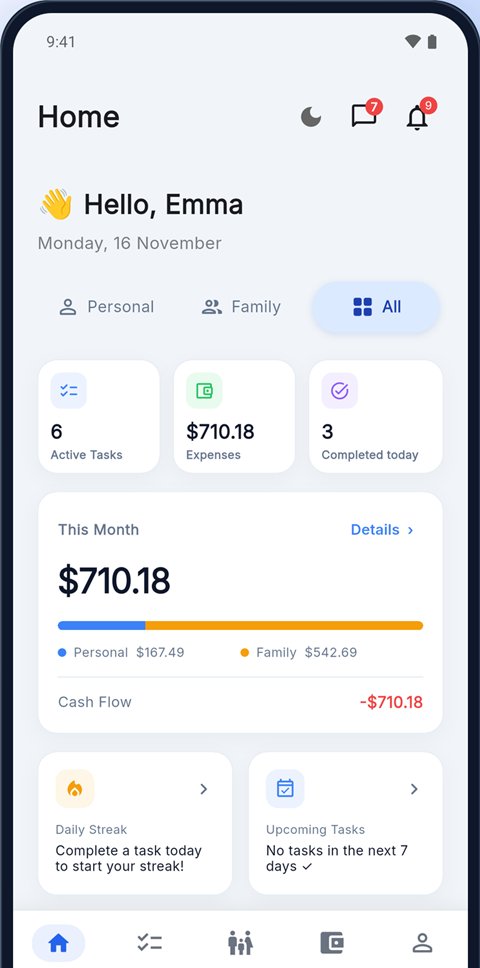
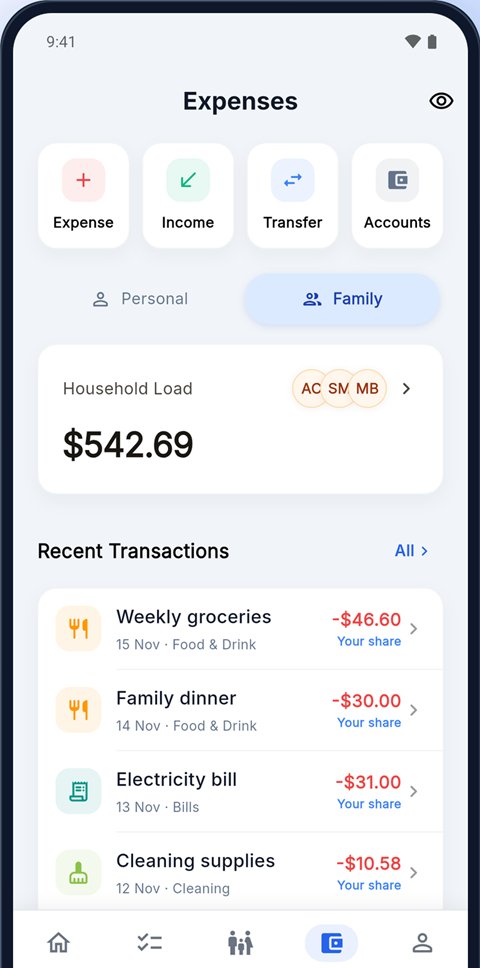
Assign, remind, approve when done.
Groceries, rent, bills: the monthly total is ready.
A little every month for the trip.
No separate group chat needed.
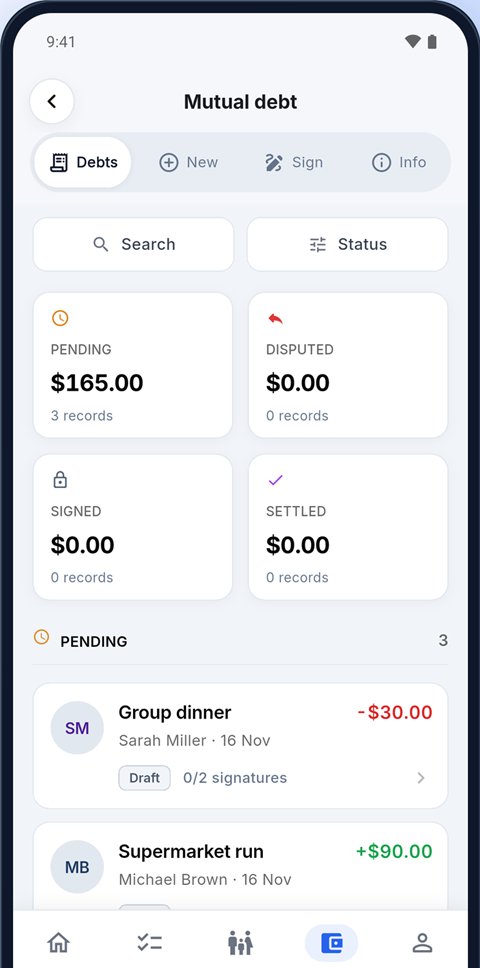
Zoe confirmed
It is free to download and the core features are free. Tasks, expense logging, debt tracking and chat are open to everyone.
Create a family or team and invite members by email. Anyone who taps the invite link joins straight in the app.
Home mode is for chores, shared expenses and the family budget. Business mode is for task approval, expense approval, project budgets and reports.
Yes, debt records are two-sided. The other person confirms or disputes it, so both sides see the same number.
Your data travels over an encrypted connection and is only visible to you and the people you invite. You can delete your account anytime.